
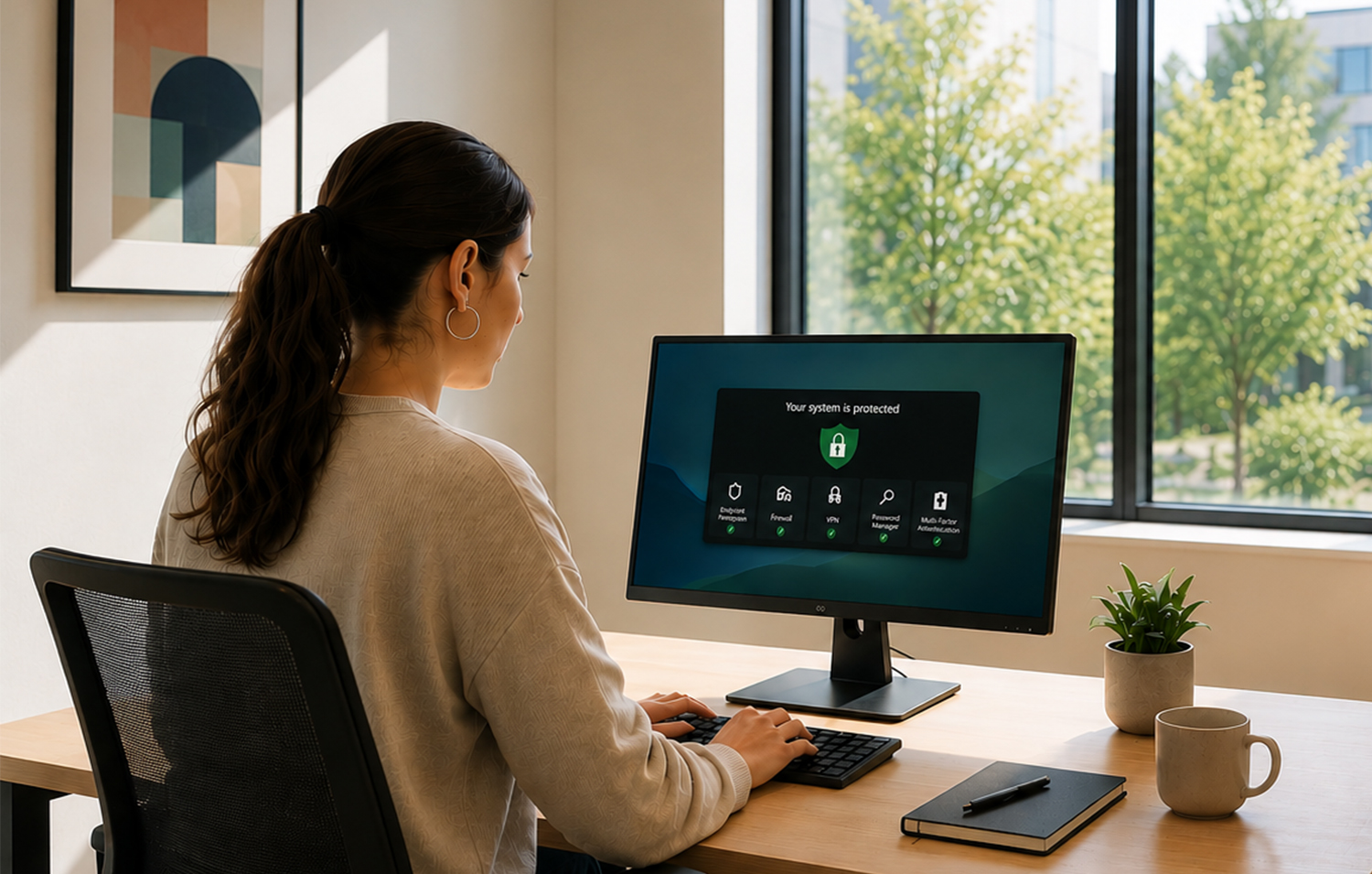
A convincing invoice email can be all it takes. It reaches a finance colleague, appears to come from a regular supplier and asks for payment details to be updated. By the time someone spots the altered bank account number, the money has gone. For most growing firms, the best cybersecurity tools small businesses can buy are those that prevent this ordinary, expensive chain of events – without requiring an in-house security team to run them.
The aim is not to buy every security product on the market. It is to reduce the risks that cause the greatest disruption: account takeover, fraudulent payments, lost or stolen devices, ransomware and an inability to recover business data. A sensible toolkit also makes good operational practice easier, rather than depending on employees remembering complex rules under pressure.
Start with the risks your business actually carries
A design agency handling client files has a different exposure from a consultancy processing payroll, or a retailer with card payments and a warehouse network. Yet the common entry points are remarkably consistent. Email accounts, cloud log-ins, staff laptops and third-party software create more day-to-day risk than a dramatic Hollywood-style hack.
Before comparing products, map where your important information sits, who can access it and what would stop the business operating for a day. Include Microsoft 365 or Google Workspace, finance platforms, customer relationship systems, shared drives, personal mobiles used for work and remote access to office systems.
This exercise should shape spending. A five-person firm with standard cloud software may get strong protection from identity controls, secure devices and tested backups. A company managing sensitive customer records, regulated data or a large remote workforce may need more advanced monitoring and external support. Price matters, but a cheaper product that nobody configures or reviews is a false economy.
Best cybersecurity tools for small businesses: the core stack
The most effective stack is layered. If a phishing message gets through, multi-factor authentication should help prevent account access. If a device is compromised, endpoint protection and limited user permissions can contain the damage. If ransomware succeeds, backups provide a route back.
-
A password manager and multi-factor authentication
A business password manager is often the highest-value first purchase. Products such as 1Password Business and Bitwarden Business help teams create unique, long passwords, share access without sending credentials in messages, and remove access when someone leaves. They also reduce the temptation to reuse a password across several services.
Pair this with multi-factor authentication, preferably through an authenticator app or a physical security key for administrators and finance staff. Microsoft 365 and Google Workspace both provide identity features, while providers such as Duo can add management and policy controls where needed.
There is a trade-off. Forcing multi-factor authentication without a clear enrolment process can generate support requests and workarounds. Set it up first for administrators, email, finance and remote access, then make it standard for every account. Keep emergency recovery codes under controlled access, not in an employee’s inbox.
1. A password manager and multi-factor authentication
A business password manager is often the highest-value first purchase. Products such as 1Password Business and Bitwarden Business help teams create unique, long passwords, share access without sending credentials in messages, and remove access when someone leaves. They also reduce the temptation to reuse a password across several services.
Pair this with multi-factor authentication, preferably through an authenticator app or a physical security key for administrators and finance staff. Microsoft 365 and Google Workspace both provide identity features, while providers such as Duo can add management and policy controls where needed.
There is a trade-off. Forcing multi-factor authentication without a clear enrolment process can generate support requests and workarounds. Set it up first for administrators, email, finance and remote access, then make it standard for every account. Keep emergency recovery codes under controlled access, not in an employee’s inbox.
2. Managed endpoint protection for laptops and mobiles
Every work device should be encrypted, automatically updated and protected by centrally managed security software. Microsoft Defender for Business is a logical option for firms already using Microsoft 365 Business Premium. Sophos Intercept X and SentinelOne are established alternatives, particularly where a managed service provider will monitor alerts.
The relevant feature is not merely antivirus detection. Look for device inventory, protection against ransomware behaviour, the ability to isolate a compromised laptop, and clear visibility of missing updates. Mobile device management is also valuable when staff access business email on mobile phones or use a mix of company-owned and personal equipment.
Avoid buying enterprise-grade tools that require a specialist to interpret every alert unless that expertise is included. A managed detection and response service can be worthwhile for a larger SME, but it should come with clear response times, reporting and responsibility for out-of-hours incidents.
3. Email security that blocks impersonation and malicious files
Email remains the main route for business email compromise, credential theft and malware. Native protections in Microsoft 365 and Google Workspace are a useful starting point, but they need to be configured properly. For Microsoft users, Defender for Office 365 adds stronger phishing, attachment and link protection. Mimecast and Proofpoint are options for organisations that need more extensive filtering and continuity features.
Technology should sit alongside practical payment controls. No email alone should authorise a change to supplier bank details or an urgent transfer. Require an independent call to a known contact number, plus a second approval for higher-value payments. This is one of the few controls that can stop a sophisticated impersonation attempt even when the message looks legitimate.
4. Independent, recoverable backups
Cloud software does not remove the need for backups. It protects the underlying service, but accidental deletions, malicious changes and compromised accounts can still affect your data. Businesses using Microsoft 365 or Google Workspace should consider a separate backup product such as Acronis, Dropsuite or Veeam, chosen according to the systems they use and the recovery options they need.
For files and servers, follow the 3-2-1 principle: keep three copies of data, on two types of storage, with one copy kept separately from the main environment. Crucially, backups must be protected from ordinary administrator accounts and tested. A backup that has never been restored is an assumption, not a recovery plan.
Agree realistic recovery targets. You may be able to tolerate a day without archived project material, but not without payroll, customer orders or the accounts platform. Those priorities determine how often data should be backed up and how much you should invest.
5. A properly managed firewall and secure remote access
Office networks need basic separation between business devices, guest Wi-Fi and any internet-connected equipment such as cameras or meeting-room systems. A managed firewall from providers including Cisco Meraki, Fortinet or Sophos can apply web filtering, monitor unusual activity and support secure remote access.
This is more relevant for businesses with an office, on-site servers or several connected devices. A fully cloud-based microbusiness may be better served by spending first on identity and endpoint controls. If staff work remotely, do not treat a virtual private network as a cure-all. Secure log-ins, managed devices and up-to-date software remain essential.
6. Security awareness training that reflects real work
Training earns its place when it is short, regular and based on the decisions employees actually make. KnowBe4 and Hoxhunt are among the platforms that offer phishing simulations and reporting, but a small business can also build useful habits through brief internal sessions.
Teach people how to report a suspicious email, verify a payment request and respond to a lost mobile phone. Make reporting blameless. Staff who fear being criticised tend to delay disclosure, turning a contained incident into a larger one.
How to choose without creating a fragmented toolkit
Start with the software you already pay for. Many firms have Microsoft 365 Business Premium or a comparable Google package but use only basic settings. Enabling multi-factor authentication, device encryption, automatic updates and sensible sharing permissions may deliver more protection than adding another dashboard.
Then look for integration and accountability. A password manager should support offboarding. Endpoint security should show which devices are unprotected. Email controls should work with your existing domain and mail platform. If an IT provider manages the tools, establish in writing who changes settings, who sees alerts and who contacts the business during an incident.
For European businesses, data protection is also part of product selection. The GDPR does not prescribe a particular cybersecurity product, but it requires security measures appropriate to the risk. Check where a supplier processes data, what access its support staff have, whether a data processing agreement is available and how quickly it will notify you of an incident. Organisations within the scope of NIS2, or supplying customers with stricter security requirements, may need more formal risk management and evidence of controls.
Put the tools into operation in the first month
A practical rollout does not need to become a lengthy transformation programme. In the first week, identify administrator accounts, switch on multi-factor authentication and remove unused users. In week two, enrol all active laptops and mobiles into device management and confirm encryption and updates are working.
Use the third week to protect email, establish payment-verification rules and back up critical cloud data. In the fourth, run a short staff briefing and test one recovery scenario: restore a file, recover a deleted mailbox item or isolate a test device. Record what failed or took too long, then improve it.
Cybersecurity works best when it becomes part of ordinary business management. Review access when roles change, ask suppliers about security before granting system access, and rehearse the first hour of an incident before one occurs. The right tools should give a small team more control and fewer surprises, leaving it free to focus on customers and growth.